CONTROLLER FEATURES
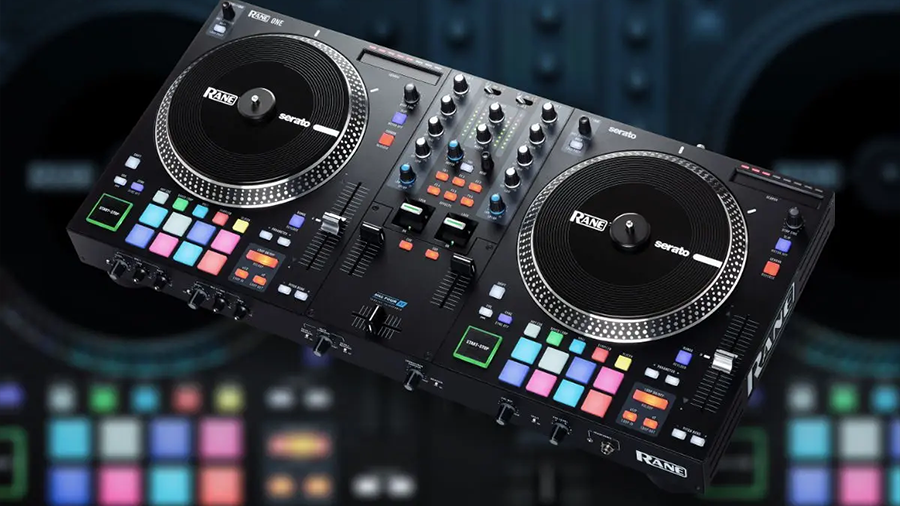
- USB DJ MIDI controller - Layout and features optimized to match with MixVibes’ CROSS software range
- Integrated 4-channel audio interface (2 stereo inputs/ 2 stereo outputs)
- OUTPUTS 2 x stereo RCA outputs for connection to loudspeakers, hi-fi or to a mixer 2x< headphones jack output connections (6.35 mm & 3.5 mm) for direct monitoring
- INPUTS: 2 x stereo RCA inputs (with phono pre-amplification) to connect turntables, CD or MP3 players 6.35 mm microphone jack input with automatic talk-over function
- Altogether 133 MIDI controls: 27 buttons, 5 faders, 5 rotary potentiometers, 6 push-rotary potentiometers, 5 push encoders, 2 jog wheels
- Shift key for alternate functions on all controls
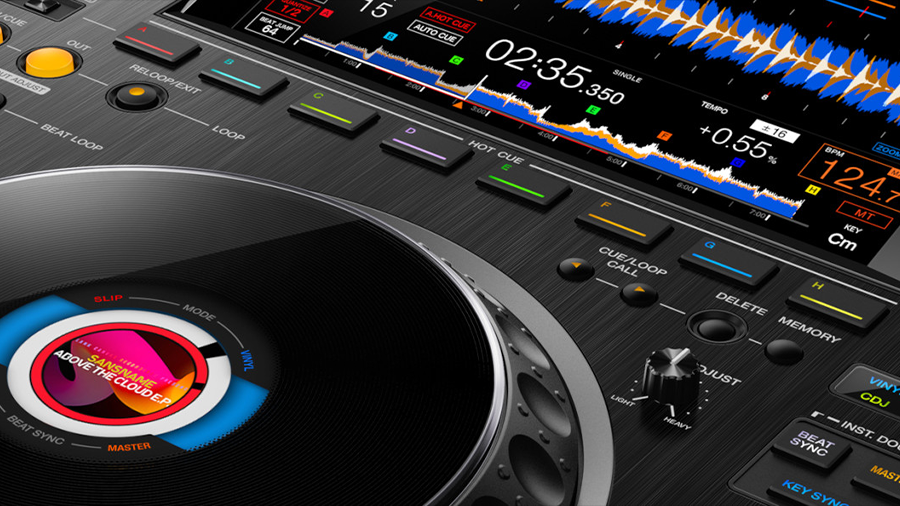
- Touch-sensitive jog wheels for precise scratch
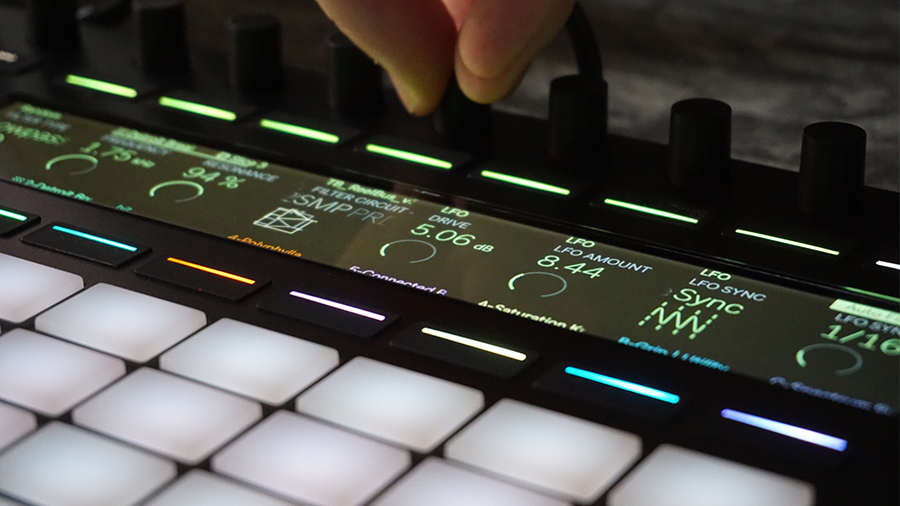
- Light feedback of all controls - Cross fader curve adjustment - Low latency ASIO driver Support - USB bus powered - Anti-theft device: Kensington® safety slot - MAC & PC compatible
CROSS DJ - SOFTWARE FEATURES
- Full DJ software license and free updates - Hands-on control of most software features with the U-MIX CONTROL PRO
- Integrated 2-channel mixer with 3-Band EQ and frequency kills
- iTunes® integration & smart media management
- 3 audio effects per deck to customize your music
- 6 locators per deck
- Automatic beat synchronization
- Automatic on-beat loops
- On-beat smart seek and loop jump
- Up to +/-100% pitch range
- Master Tempo to change your songs’ speed while keeping the original tonal key
- Line input (for MP3 players etc.)
- Mix recording
- ASIO and Core Audio compatible - MIDI assignments and Keyboard shortcuts customization - Compatible audio formats: AIFF, WAV, MP3, FLAC, OGG and AAC

Specifications
MINIMUM SYSTEM REQUIREMENTS
PC Windows XP SP2 or Windows Vista SP2 or Windows 7 Core 2 Duo / 1.8 GHz or higher 1 GB RAM 1x available USB port MAC Mac OS X 10.4, Intel Core 2 Duo / 1.8 GHz or higher 1 GB RAM, 1x available USB port
Please note: These are the minimum requirements to run U-MIX CONTROL.PRO
For best performance and for use in professional situations we recommend you buy a higher spec computer. We also recommend Intel Processors.
TECHNICAL SPECIFICATIONS
Built-in audio interface to use your controller in all possible modes
- Standalone mode: simply use your computer and your controller. Plug your speakers and headphones to the controller.
- MP3 player: plug your MP3 player to the controllers’ line inputs, activate the ‘LINE-in’ source and play your music with EQs, FX and cross fading transitions.
- Regular vinyl/CD: plug in your vinyl or CD players to the controller’s built-in soundcard and play your traditional vinyl and CD records using the Bypass/through mode (line-input).
- Digital Vinyl System: plug in your vinyl or CD players to the controller’s built-in soundcard and use the controller as a mixer or to launch effects, loops, … Just upgrade to MixVibes CROSS and get the control vinyl or CDs to enjoy these features. INPUTS 2 stereo inputs: 2 x 2 RCA mono inputs, to bring external sources into your mix.
The U-MIX CONTROL PRO’s inputs are compatible with:
- PHONO-input devices (turntables)
- consumer LINE-input devices (MP3 players, etc)
- professional LINE-input devices (studio gear & CD players)
- boosted LINE-input devices (Pioneer CDJ players…) 1 microphone input
- 1/4" jack plug with volume knob and automatic talk-over function that reduces the volume of your song when you speak. OUTPUTS 2 stereo outputs
- Master/Mix output (channels 1-2)
2 RCA stereo connectors for hi-fi & mixers
- Preview/Monitoring output (channels 3-4)
2 RCA stereo connectors for speakers & mixers
1/4" jack (6.35mm) and 1/8" jack (3.5mm) for headphones pre-listening with volume adjustment and cue/mix knob Mixer section Classic 2-channel design
- 1 x professional long-life smooth cross fader with adjustable cross fader curve
- 2 x volume sliders with PRO long-life line faders
- 2 x 3-band equalizer with ‘Push2Kill’ rotary potentiometers (frequency kill integrated to EQ knobs)
- 2 x gain rotary potentiometers Player section - 2 x touch-sensitive jog wheels for precise scratch, pitch bend and seek/search in your song.
- 2 x high resolution 14-bit pitch faders
- 1 x push encoder knob for loop control
- 1 x push encoder and 1 x rotary potentiometer for effect control
- 4 x buttons for locators control (Locators 1-2-3 when select-LED is off, locators 4-5-6 when LED is on)
- Yellow, orange and red light feedback to match CROSS DJ software’s colours Master section - 1 x rotary potentiometer for master control
- Library browsing section 1 x push encoder for quick and easy music library browsing Load buttons for player A and B Cue section - Cue/Mix control knob
- Headphones volume knob Microphone section - Microphone volume knob
- 3-position ‘on/off/talk-over’ microphone switch